X / Z reports
Mid-shift snapshots and end-of-day closes that show sales, refunds, payments by tender, drawer activity, and cash variance. Printable, archivable, no spreadsheet wrangling.
POS is designed around the specifics — fabric sold by the yard, machines tracked by serial, regulars with a card on file, and cashiers who need to hold a cart and pick it up later.
Flag a SKU’s unit-of-measure as yard, foot, lb, or kg and the register prompts the cashier for the cut quantity — with friendly fractions (¼, ⅓, ½, ¾, ⅛) or decimals. Tax pro-rates correctly.
Scan a serialized SKU and the register prompts for a serial number. Validates against the Inventory module in real time, flips the unit to sold on commit, and reverts on returns.
Regulars don’t re-tap. Tick “save card” once at checkout and the next visit shows VISA ••••4242 as a one-tap charge button. Stripe handles the cryptography; nothing card-sensitive sits in your database.
Customer remembered they need batting? F7 sets the cart aside, ring up the next person, F8 brings the held order back when they return. No data lost, no re-scanning.
If a cashier knows how to scan and click, they know POS. F-key shortcuts for the keyboard people. Bench-tested with the people who’ll be ringing up your customers.
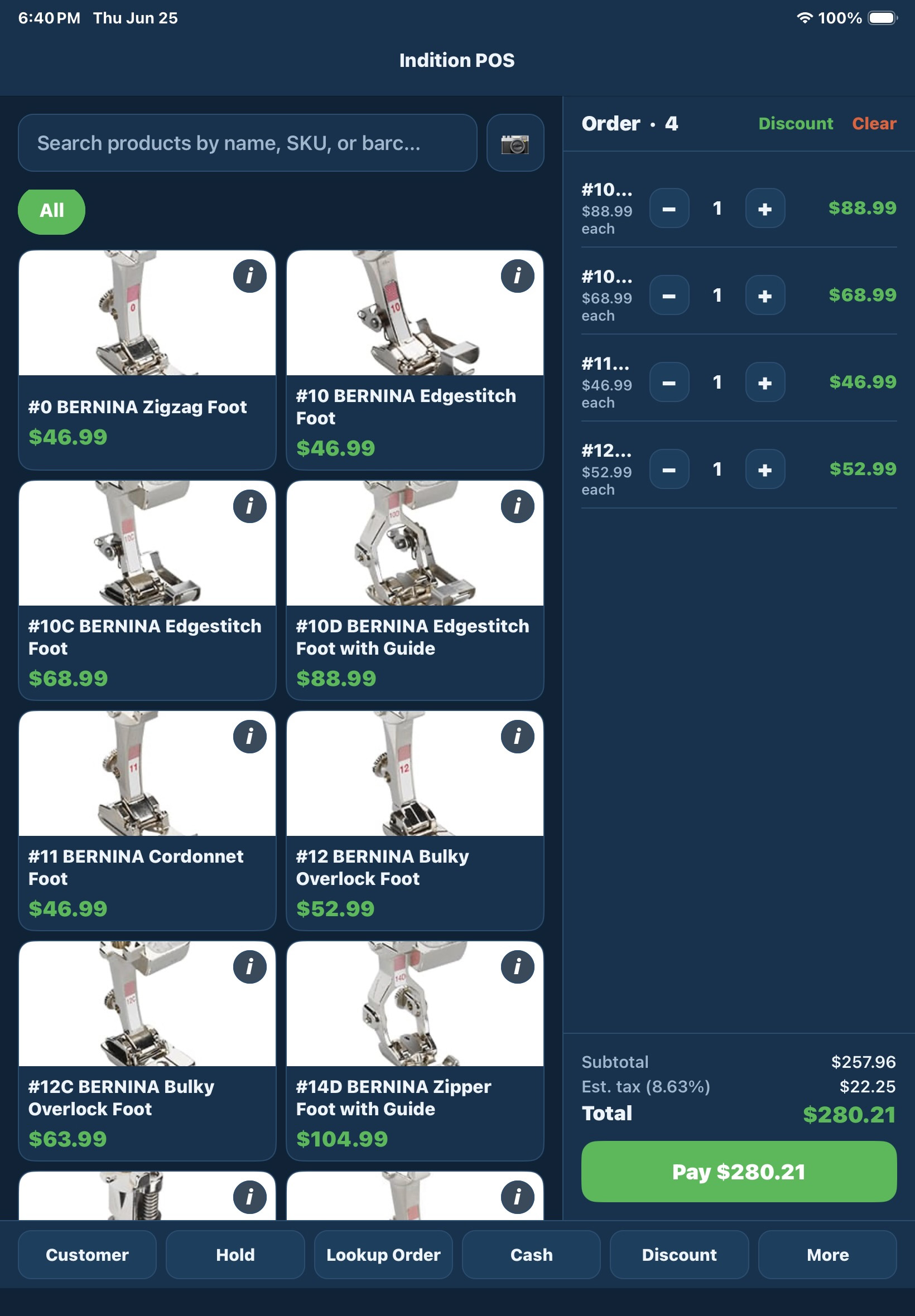
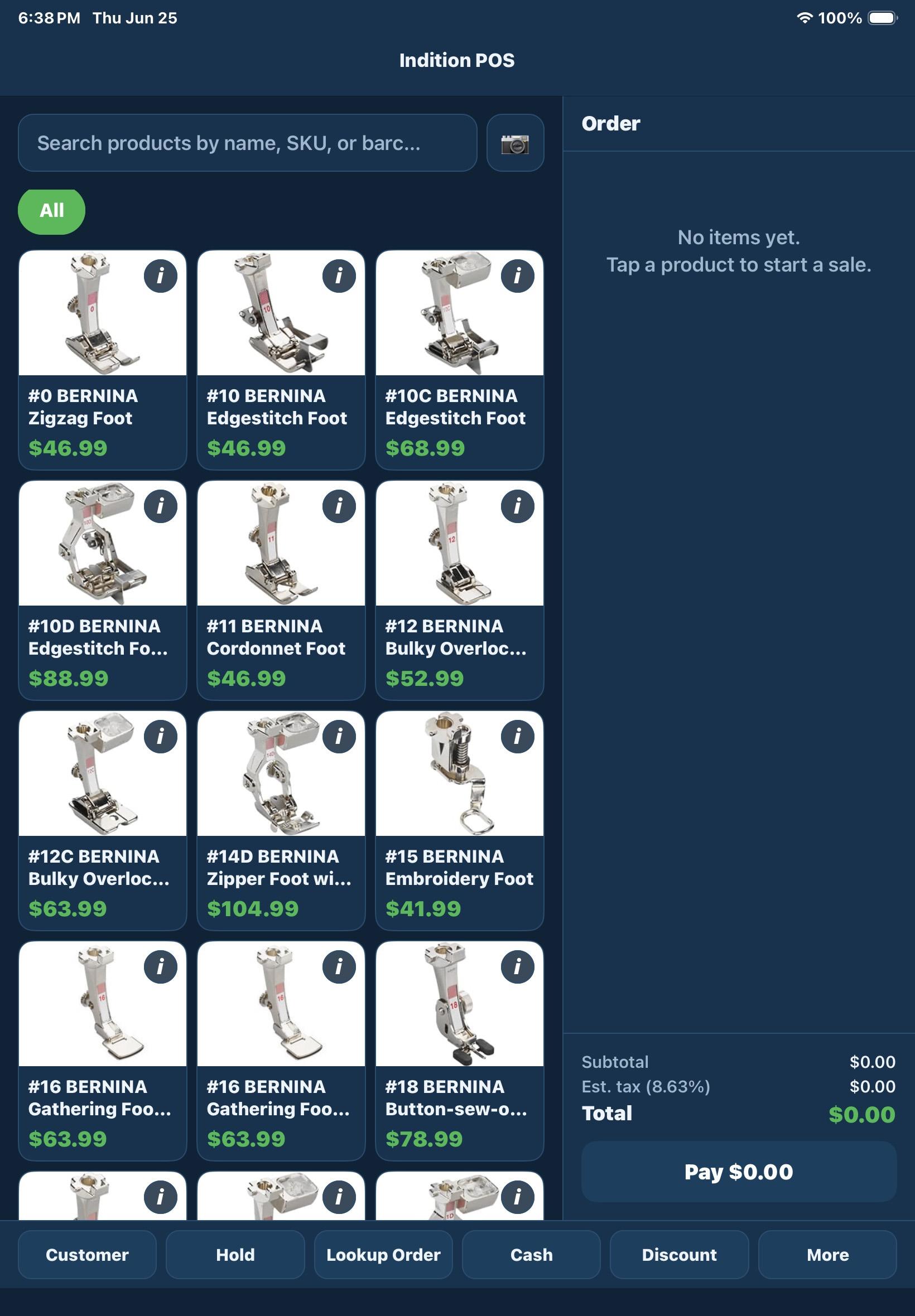
Type, scan, or browse by category. Every product, price, and image flows from your Shop admin — no separate POS catalogue to maintain.
Pair your readers in admin once. Cashier clicks Charge, customer taps. PaymentIntent IDs persist against each sale for full reconciliation.
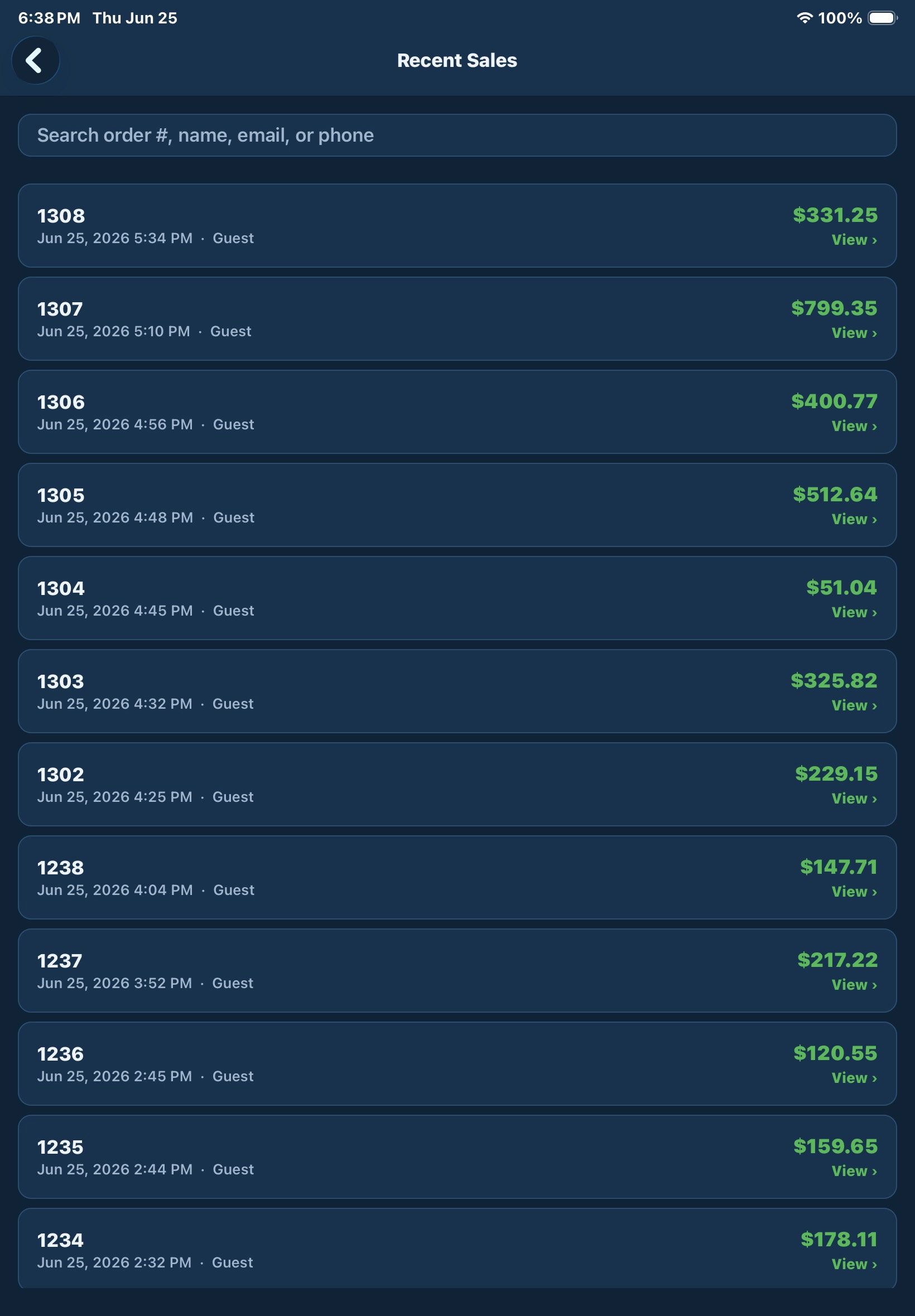
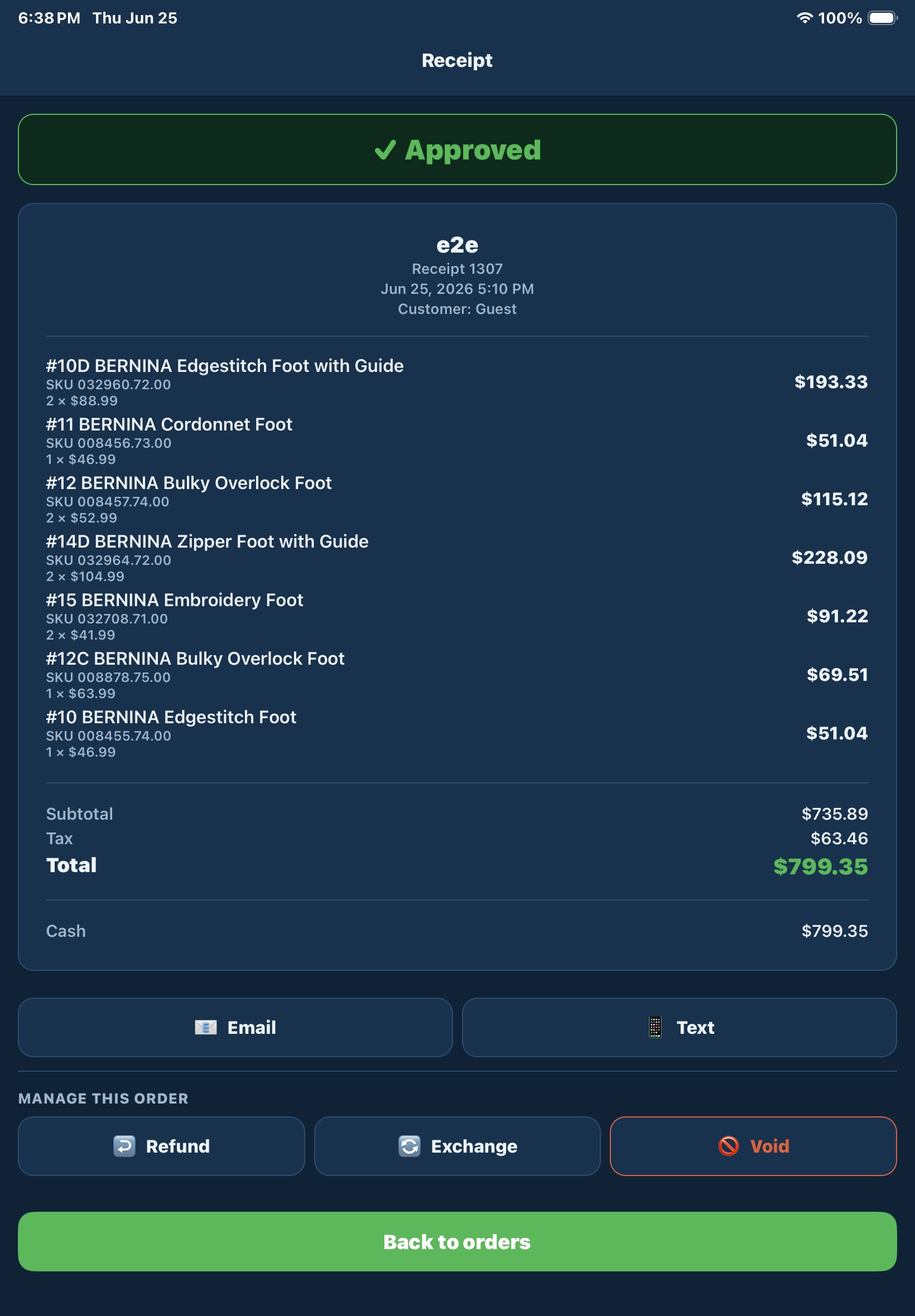
Find any past sale by number, customer, or contact. Plain refund, even exchange, net-positive exchange, net-negative exchange — all in one flow, one transaction.
Pin the SKUs your cashiers ring up dozens of times a day — needle packs, class fees, bobbins — to a row of one-tap buttons across the top of the catalogue. Up to 24 per terminal.
Track drops, pickups, pay-ins, pay-outs against each cashier’s session. End-of-shift Z report shows expected cash, counted cash, variance, and sales by tender — printable on the spot.
Tax-exempt customers attached to an order show a green TAX EXEMPT badge and the tax row zeroes out automatically. No cashier math, no overriding fields by hand.
Click any line total to add a percentage or flat-dollar discount. Stacks alongside order-level discounts. Persists per-item so reports retain the breakdown.
Every sale, refund, and exchange runs in a single DB transaction — with serial flips and inventory adjustments rolled in. If any step fails, the whole thing rolls back. No half-committed sales.
Mid-shift snapshots and end-of-day closes that show sales, refunds, payments by tender, drawer activity, and cash variance. Printable, archivable, no spreadsheet wrangling.
Every sale debits stock, every refund credits it back — in the same DB transaction. No nightly sync. Web orders and in-store sales both see the same on-hand number, instantly.
Every sale has a number, every refund links to its parent, every serial movement records who moved it and when. Stripe payment intents are stored against each transaction for full reconciliation.
If a cashier knows how to scan and click, they know POS. Customer search, payment, returns — every flow is two or three clicks. F-key shortcuts for the keyboard people.
POS runs in any modern browser. Pair card readers in admin once. Drop in optional local agents for the cash drawer and receipt printer when you’re ready.
Tap, insert, swipe. Browser-native via the Stripe Terminal SDK — no Bluetooth fiddling required. Pair multiple readers per location and flag one as default; the terminal auto-connects to it.
A tiny local service that opens the cash drawer the moment the cashier completes a cash sale. Runs as a system service on Windows, macOS, or Linux.
Drop-in ESC/POS receipt printing for Epson, Star, Tanca, Daruma, and Brother thermal printers. Connects over network, USB/CUPS, Windows spooler, or serial. Co-installs with the Drawer Agent and proxies the kick.
Both agents are optional — POS works out of the browser without them. Add the Drawer Agent when you want one-touch cash-sale drawer kicks; add the Receipt Agent when you want ESC/POS receipts (faster + cleaner than the browser print dialog).
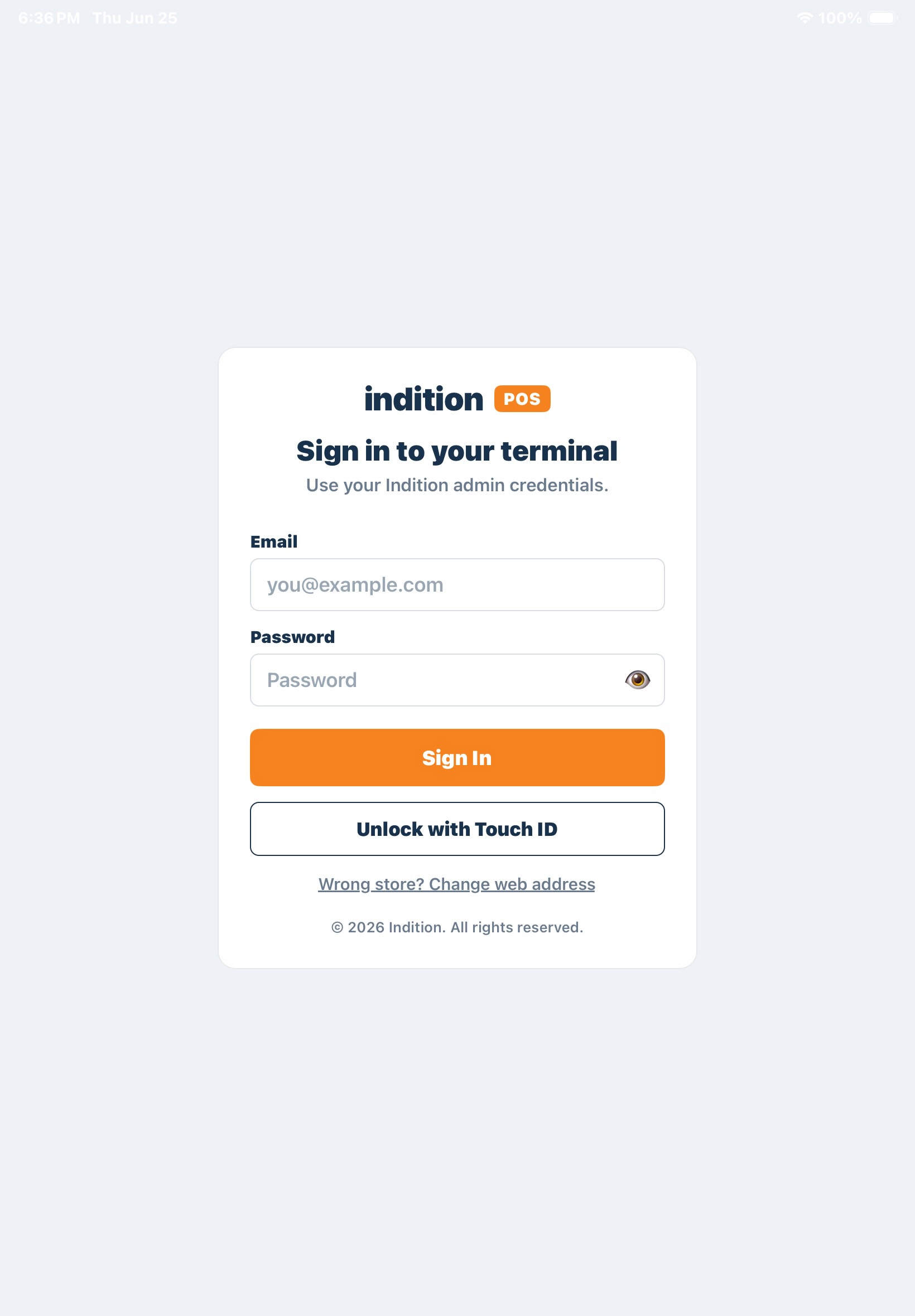
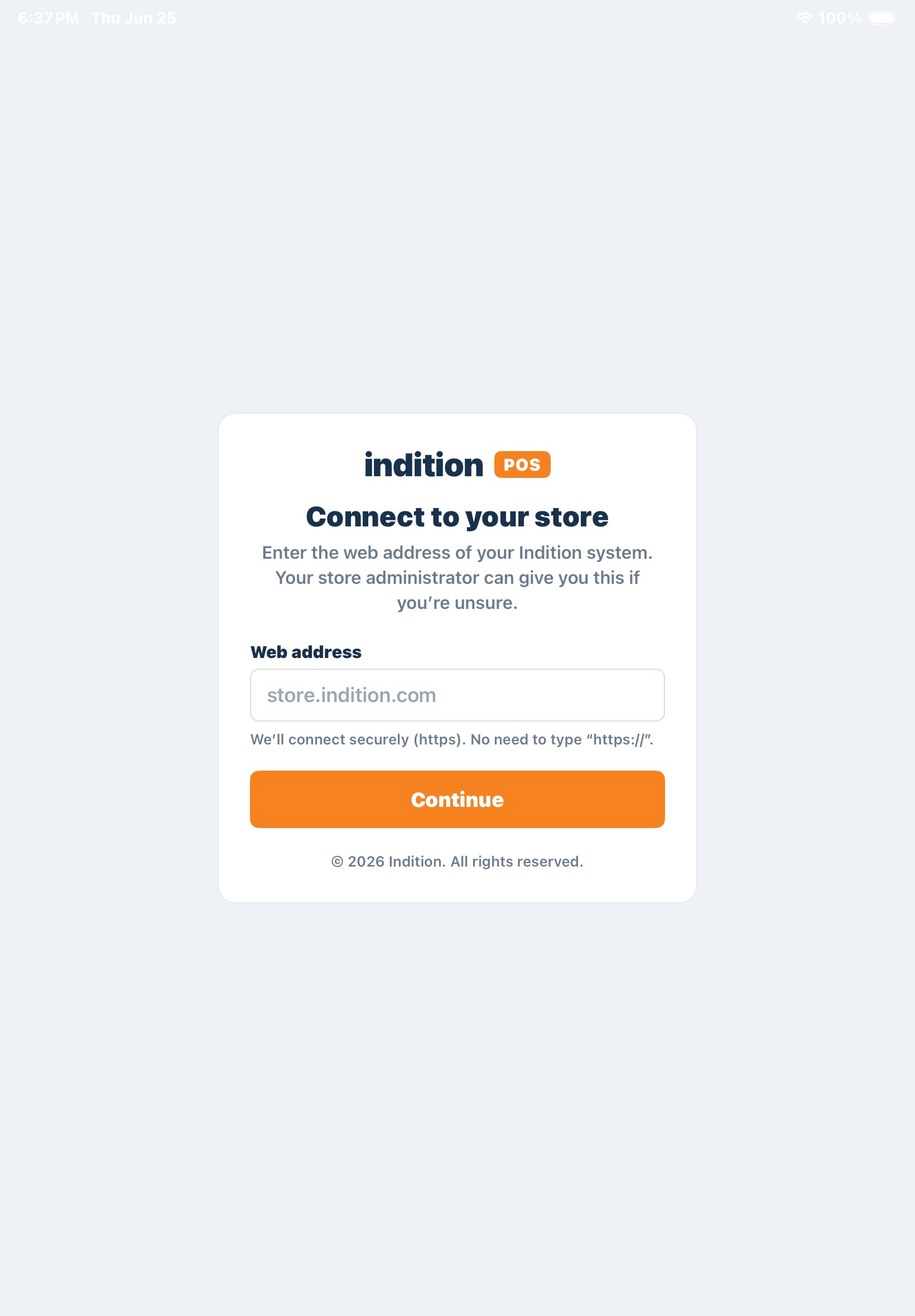
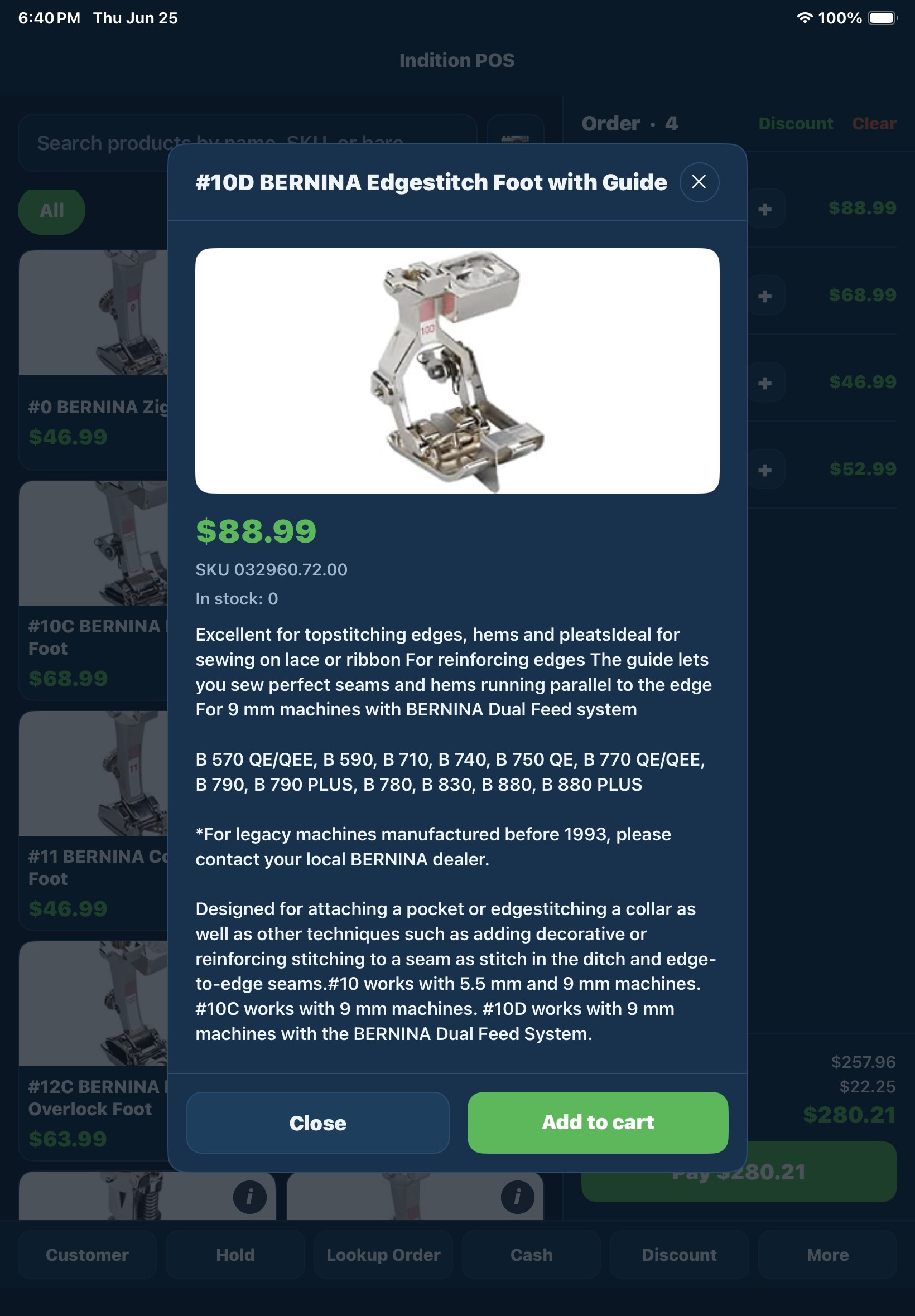
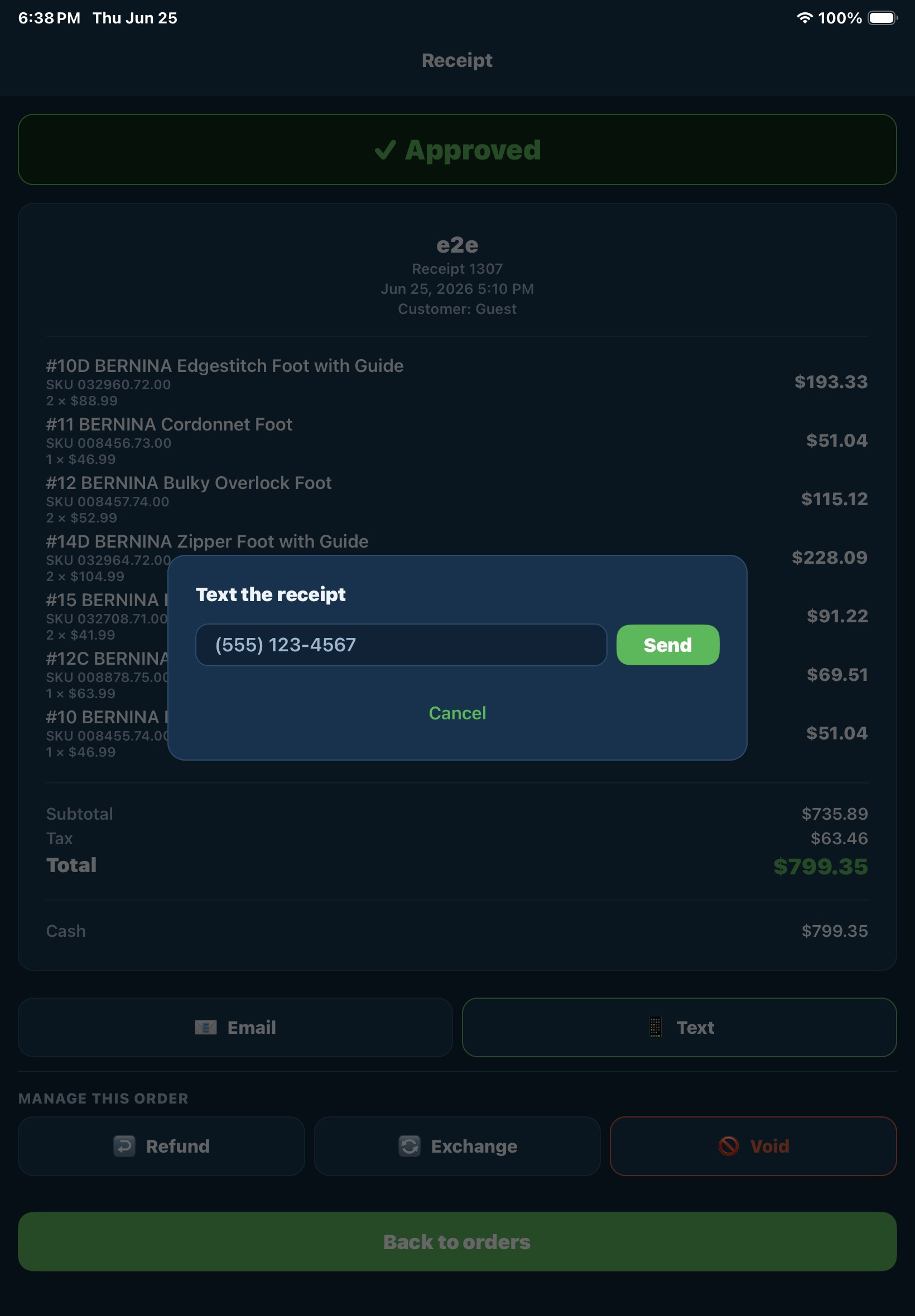
Browse the gallery below to explore the POS interface, including checkout, customer management, payments, inventory lookup, and other day-to-day workflows. Every screen is designed to help your team work more efficiently while delivering a seamless checkout experience.
Easily manage work orders, technician productivity, scheduling, warranties, and customer communication from one centralized system designed to improve efficiency and customer satisfaction.
For a single retail location running browser-based registers on your existing catalogue, customers, and inventory.
Includes up to 3 POS terminals at one location.
Add more cashier stations for busy counters, classrooms, cutting tables, or seasonal checkout lanes.
Applies after the first 3 included terminals.
Hardware, Stripe processing fees, and optional local receipt or drawer agents are separate. POS runs in any modern browser and uses the same BERNINA Commerce Connection data your store already manages.
Three one-time steps. Run the POS module install. Run the InStorePickup. Then open POS Settings, toggle the master switch, pick a store, paste your Stripe credentials, and pair your readers. Most dealers are ringing up their first sale within an hour.
A PC or Mac with a modern browser, a USB or Bluetooth barcode scanner, and a Stripe Terminal S700 reader for card-present payments. Optional but recommended: a thermal receipt printer (Epson TM-T20III or similar) and a cash drawer cabled to the printer’s RJ-12 (DK) port. The drawer + receipt printer combo is driven by our two local agents.
Flag a SKU’s unit-of-measure (yard, foot, lb, kg) in the Shop catalogue. When the cashier scans it, the register opens a fractional-quantity prompt with cashier-friendly fractions (¼, ⅓, ½, ¾, ⅛) and a decimal field for custom cuts like 3.25 yd. Tax pro-rates correctly against the cut amount, and the line item persists the unit + fractional mode so reports retain the breakdown.
If the Inventory module has serialization enabled on a SKU, scanning it opens a serial-entry modal. The serial is validated in real time and must match the SKU.
Yes. During a card payment, the cashier ticks “Save card on file”. Next visit, the cashier sees the saved card as a one-tap button (VISA ••••1234) on the payment screen — useful for regulars, phone orders, and special orders the customer wants to pay for later.
The Returns flow handles four cases in one place: plain refund (money back to original card or cash), even exchange (returned items cover the new ones, no money changes hands), net-positive exchange (customer pays the difference), and net-negative exchange (customer gets the difference back). One transaction, both sides recorded, inventory and serials adjusted on both sides automatically.
Yes — not a nightly sync. Refunds and exchange-returns credit it back. Web store and the register both read from the same on-hand row — an in-store sale shows up on the storefront the moment it’s rung up.